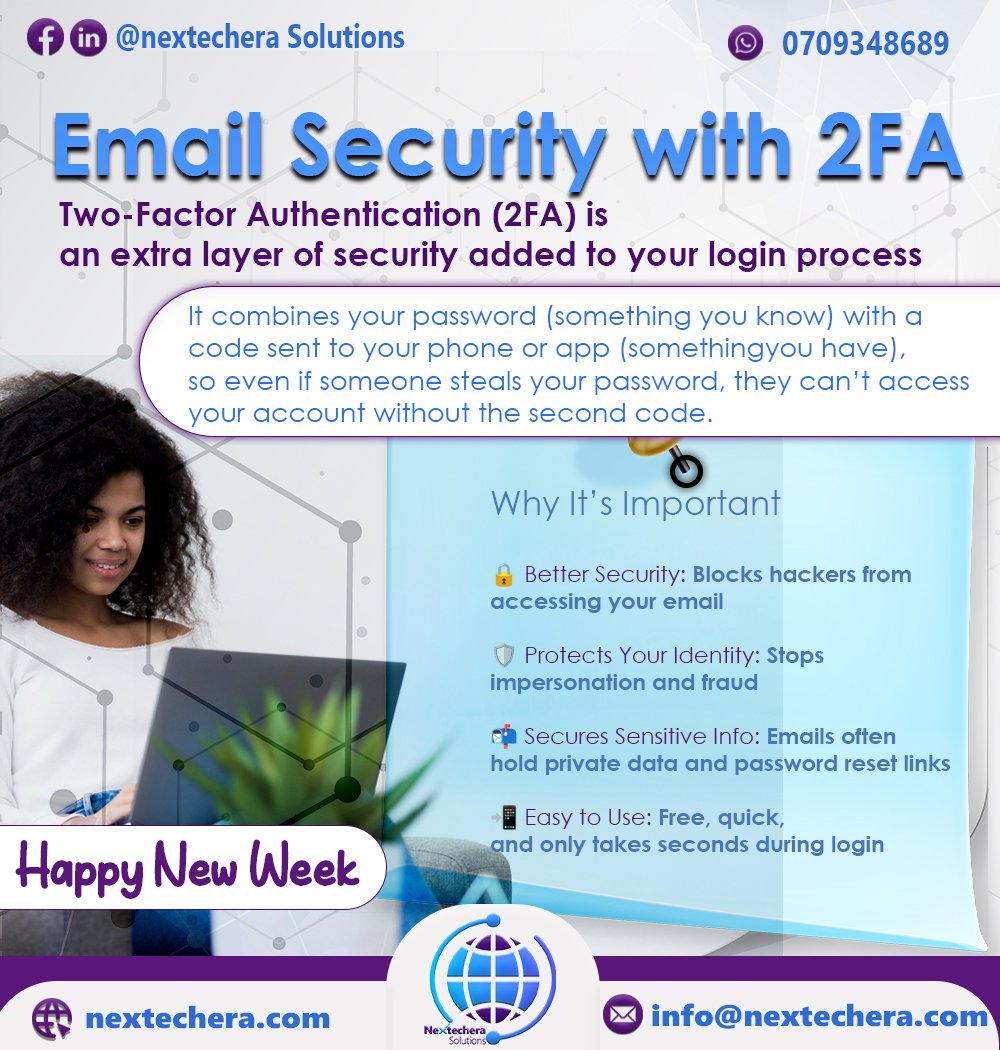
In today’s digital world, protecting your personal information is more important than ever—especially your email. Your email is often the gateway to your online identity, storing personal conversations, sensitive data, and password reset links. That’s why enabling Two-Factor Authentication (2FA) is a simple but powerful way to safeguard your account.
 What is Two-Factor Authentication (2FA)?
Two-Factor Authentication (2FA) is a security feature that adds an extra layer of protection to your online accounts. Instead of just entering your password, you also need to verify your identity using a second factor—usually a code sent to your phone or generated by an authentication app.
This means even if someone manages to steal your password, they still can’t access your account without the second verification step.
 Why 2FA is Important for Your Email
Here’s why enabling 2FA on your email is essential:
 Better Security: Adds a strong barrier against unauthorized access
 Prevents Identity Theft: Stops hackers from impersonating you
 Protects Sensitive Data: Your inbox holds important personal and financial information
 Peace of Mind: You worry less knowing your account is harder to breach
 Simple to Set Up: Easy, free, and only takes seconds to use
 How to Set Up 2FA on Your Gmail Account
Follow these steps to secure your Gmail with 2FA:
Go to your Google Account
Visit myaccount.google.com
Navigate to Security Settings
In the left menu, click on “Security.”
Find ‘Signing in to Google’
Under this section, click on “2-Step Verification.”
Click “Get Started”
You’ll be asked to sign in again to verify it’s you.
Choose Your Verification Method
You can use Google Prompts (recommended)
Or use SMS, phone call, or a Google Authenticator app
Follow the Setup Instructions
Google will walk you through the remaining steps.
Backup Options (Optional)
Set up backup codes or a secondary device in case you lose access to your main one.
Final ThoughtsEnabling Two-Factor Authentication is one of the simplest and most effective steps you can take to protect your email and online identity. It only takes a few minutes to set up, but it can save you from years of stress, stolen data, and financial loss.
Take control of your security—activate 2FA today.
For more information
Email : info.nextecherasolutionsltd@gmail.com